

Milk buyers — set up and maintain a buyer
What this page helps you do
Section titled “What this page helps you do”The Buyers page is the organisation’s list of people and businesses that receive its milk. Set up the correct buyer before creating a farm route or recording a delivery; this keeps deliveries and later payment checks attached to the right counterparty.
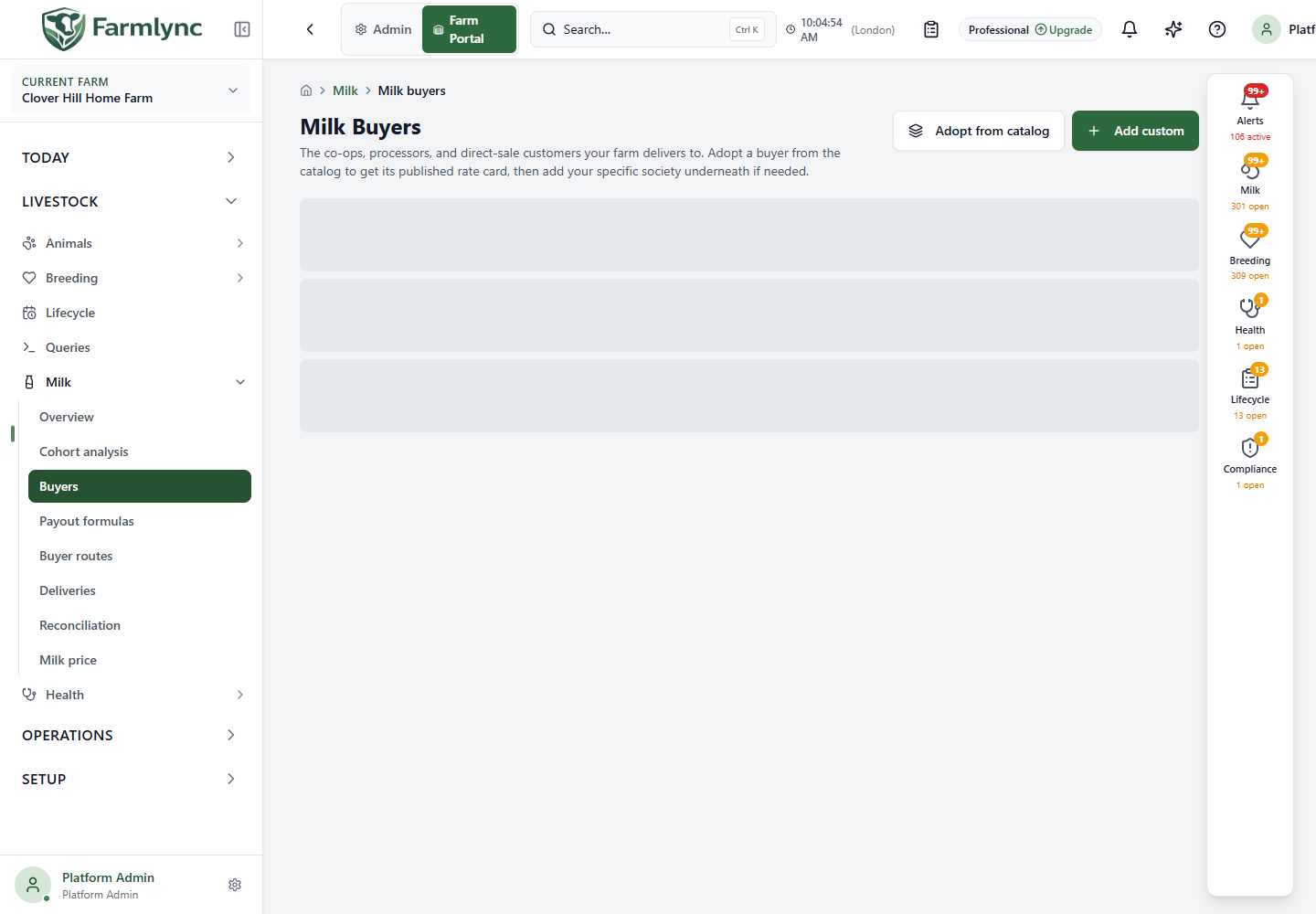
Open Livestock → Milk → Buyers. The list groups child societies under their parent cooperative where one has been assigned. You can read buyers across the organisation. The current write API requires a Tenant Admin or Platform Admin for Adopt from catalog, Add custom and Edit. A Farm Owner or Manager can currently be shown these controls but the save request is rejected; use a tenant-administrator account until that authorization mismatch is corrected. If the list cannot load, use Retry before creating another buyer.
Adopt an existing buyer
Section titled “Adopt an existing buyer”- Choose Adopt from catalog. The picker may start with the organisation’s country; clear its country chip to browse the wider catalog. Where shown, choose a region chip to narrow the list.
- Check the buyer’s name, code, parent and notes, then select Adopt on the matching row. If there is no match, clear the filters or ask an administrator whether the catalog has been populated.
- The app copies that buyer, its parent chain where needed, and its default payout formula into your organisation. A toast reports how many buyers and formulas were copied; adopting an existing item again reports that it was already adopted. Your copy can then be edited independently.
Do not add a second custom buyer with a slightly different spelling merely because an adopted buyer is not immediately visible. Check the list and parent group first.
Add a custom buyer
Section titled “Add a custom buyer”Choose Add custom. To add a society beneath an existing cooperative, use Add society on that cooperative’s row; the parent is then preselected. Complete the form as follows.
| Control | What to enter or choose |
|---|---|
| Name | Required buyer name. The server accepts up to 150 characters; use the name on the milk contract or receipt. A duplicate name under the same parent is rejected. |
| Short code | Optional local identifier, up to 50 characters in this form. It is useful when several buyers have similar names. |
| Type | Required: cooperative society/union, private processor, direct consumer/home delivery, restaurant/hotel, local shop or other. This classifies the buyer; it is not a payment record. |
| Part of | Optional parent. Only cooperative buyers already owned by this organisation are offered. Adopt a catalog parent first if it is missing. |
| Collection model | Required: I deliver to the buyer, Buyer picks up at my farm, or Both. Choose what happens physically under this relationship. |
| Default payout formula | Optional organisation-owned formula. In the current Add custom panel, this picker contains only formulas already assigned as another buyer’s default. If the required formula is missing, create the buyer without it, choose Edit, and select the formula from the complete active-formula list there. The current Add route form uses the saved default automatically; it does not offer a per-route override. |
| Payment cycle (days) | Required whole number from 1 to 90, initially 30. Auto reconciliation groups deliveries according to this cycle. Match the actual settlement agreement. |
| Party register link | Optional link to an existing party with the Buyer role. This maps the buyer to the shared party register; it does not replace the buyer profile. |
| Contact details | Expand this section for optional contact name (150 characters accepted by the server), phone (32 characters accepted) and a valid email (150 characters accepted). Leave unused controls blank. |
| Notes | Optional relationship notes, up to 1,000 characters in the form. Do not use notes as the only record of a negotiated price. |
Select Add buyer. A success toast confirms the saved buyer and the list refreshes. A validation or server error leaves the form open for correction. Cancel closes it without creating a buyer.
Edit an existing buyer
Section titled “Edit an existing buyer”Choose Edit on its row. You can change the name, short code, default formula, payment cycle, contact details, notes and party-register link. Type and Collection model appear as information in the edit panel rather than editable controls. If you clear the default formula, you cannot create another route for that buyer until one is assigned again. The edit sends only changed fields; No changes to save means nothing was submitted. If someone changed the buyer meanwhile, reload and review the latest version before retrying.
After saving, check the buyer row and then set up a farm route. A buyer on its own does not allocate a milking session, create a delivery or prove payment. For the complete commercial sequence, see buyers, payout and deliveries.