

Purchase list
What this page helps you do
Section titled “What this page helps you do”Operations → Inventory → Purchase List is a working list of products to buy. It combines current usable stock with the last 30 farm days of recorded consumption to suggest a quantity. A list entry is a proposal, not an order or a receipt; stock changes only when a real delivery is recorded.
Read the list
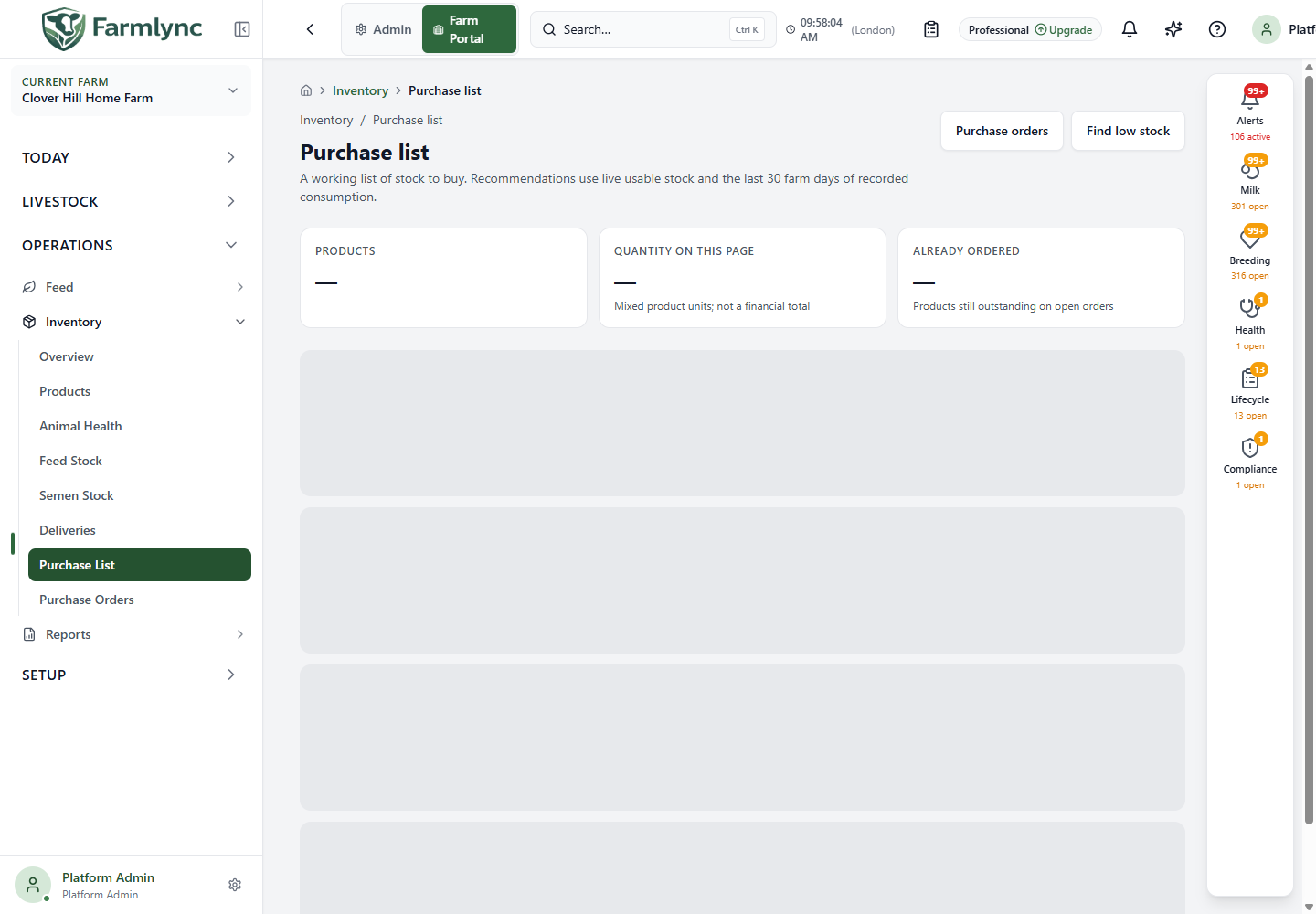
Section titled “Read the list”Products counts list items. Quantity on this page adds the displayed requested numbers even when they use different units, so it is neither a weight nor a cost total. Already ordered counts products still outstanding on open orders. The list shows 20 items per page; use the page controls to see more.
Each row identifies the product and code, category, preferred or last supplier if known, On hand, average Use / day, estimated Days left and proposed Buy quantity in that product’s unit. The suggestion explanation states why Farmlync proposed it; an override explanation appears separately when entered. If protocol demand cannot be quantified, the row says that it is not included. Check the farm’s physical stock and planned use before ordering; an estimate is not a guaranteed requirement.
Use Find low stock or Review low stock to open Animal Health stock. Feed products are in Feed Stock. Open a product name to inspect its batches and defaults.
Change or remove a proposal
Section titled “Change or remove a proposal”Choose Edit on a row to open Edit purchase quantity. The panel shows the current recommendation and why it was made. Enter Quantity to buy as a number greater than zero in the displayed unit. Purchase note is optional when the quantity matches the suggestion. If the suggestion is positive and you change the quantity, Reason for changing the suggestion becomes required. Choose Save quantity and check the new Buy amount. Cancel closes without saving.
The trash action opens Remove from purchase list confirmation. Removing a proposal leaves the product, its stock and any already placed order unchanged.
Create an order
Section titled “Create an order”Choose Create order on one row, or tick several rows and use Create order (count). The checkboxes select individual displayed items; the order panel shows exactly which lines you are about to commit. For each line, review its reorder level, suggestion and Quantity to order in the product’s own unit. The quantity must be positive. If a positive suggested quantity is changed, enter Reason for changing the suggestion for that line.
| Order control | What to enter |
|---|---|
| Supplier (from register) | Select an existing supplier when available. Its name fills the supplier-name field. |
| Supplier name | Required when no saved supplier is selected; a free-text supplier name is allowed, up to 200 characters. |
| Supplier reference | Optional quote, confirmation or supplier order number, up to 100 characters. |
| Expected cost per [unit] | Optional non-negative estimated cost, shown for a single-line order. Multi-line orders capture actual cost at receipt per line. |
Choose Create order to commit the listed quantities as ordered. Go to Purchase orders to track what remains and record deliveries. An order itself does not change on-hand stock.