Government registrations
What this page helps you do
Section titled “What this page helps you do”Government registration pages track submissions, replies and differences with an external registry. Use them to see what still needs review, without assuming that an action is complete merely because Farmlync sent it.
These pages appear when the farm has a supported registry connection and the signed-in user has access. The controls described below reflect the currently implemented registry workflow. Another registry may require a different approval sequence. Never treat a Farmlync queue entry as proof that a registry or counterparty completed the declaration.
Movements to Review
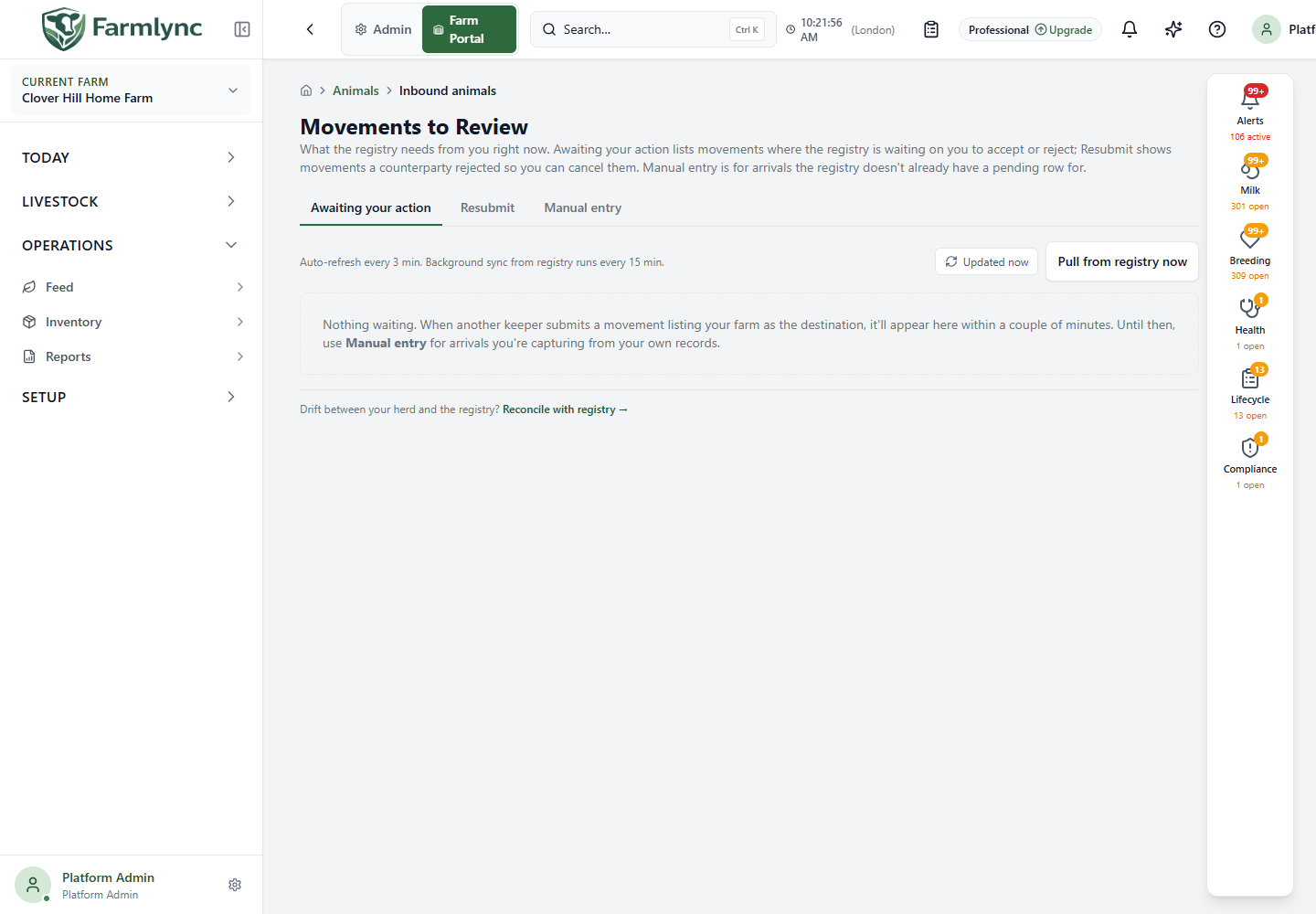
Section titled “Movements to Review”Open Operations → Government registrations → Movements to Review. Awaiting your action contains registry-discovered work in both directions. An inbound row that the registry initiated and left Pending provides Accept and Reject. A seller-side outbound review is currently read-only in Farmlync and shows Seller-side review; Farmlync does not yet provide the registry response action for that row.
Refresh reloads Farmlync’s current inbox. Pull from registry now calls the connected registry and reports how many rows were fetched and how many were new. The page also refreshes its inbox every three minutes, while the server’s background pull normally runs every 15 minutes.
Open View details to inspect the movement, animals, Registry Request/Response payload and Activity timeline before deciding. For an inbound movement it shows the other holding, keeper, movement and arrival dates, animal identifiers and activity. The current detail drawer is written as an inbound route and can label the holdings incorrectly for a seller-side outbound review; rely on the row’s Inbound/Outbound badge and registry evidence rather than those Source/Receiving headings for an outbound row.
Accept opens the inbound-arrival form: check and complete the animal data before submitting so the arrival is recorded in the Farmlync herd as well as queued for registry acknowledgement. Reject asks for a listed reason; selecting Other (free text) requires explanatory text. Use the provider’s real rejection reason, because it becomes part of the declaration.
See Accept or record an arrival for every movement and animal-row field.
Resubmit lists outbound movements rejected by the counterparty, with their destination, movement date, rejection reason and time. Its available Cancel movement confirmation closes the rejected local movement and queues restoration of linked animals to the herd. Restoration is delivered after the cancellation transaction, so refresh the herd and investigate if the animals do not reappear; the success message currently reports them as restored as soon as that work is queued. To file the corrected movement, record the exit again with the right details. The tab does not silently create a replacement.
Manual entry records an arrival when there is no pending registry row. The Reconcile with registry link below the tabs is for missing or divergent herd data, not a substitute for reviewing an actionable movement.
Outbound submissions
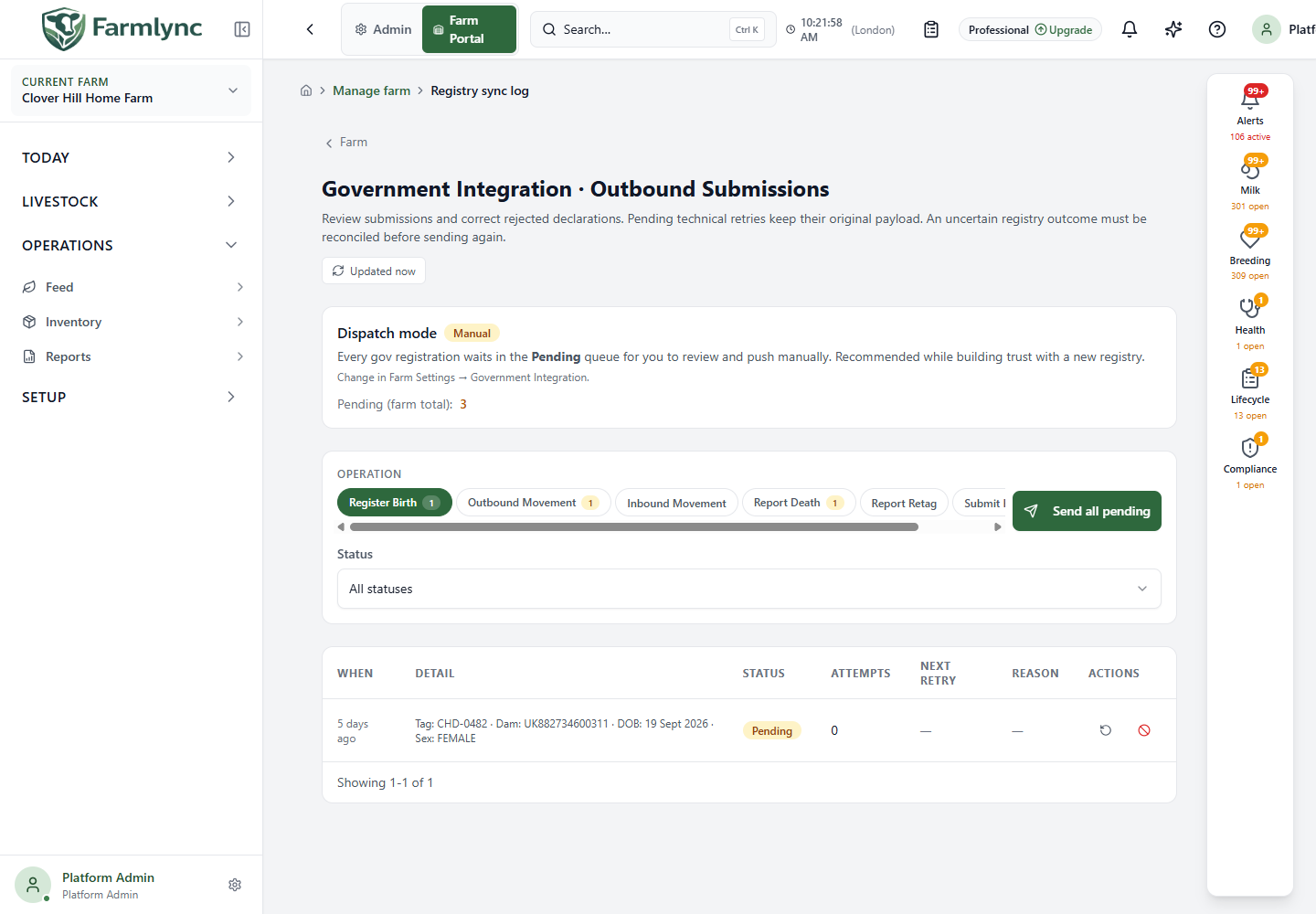
Section titled “Outbound submissions”Open Outbound submissions for the submission log. Dispatch mode displays Auto or Manual; change it in Farm Settings → Government Integration, not on this page. In Manual mode, pending declarations wait for an operator. Auto mode dispatches new submissions and safe technical retries; uncertain outcomes remain held for reconciliation.
Select an operation tab to see one declaration type, then use the Status filter and Refresh. Send all is available only when the current mode and permissions allow it and applies to pending rows of the selected operation type, not all types. A queued banner and countdown show the handoff to background dispatch; wait for the status to update before assuming acceptance. Each row exposes status, attempt count, next retry, any rejection reason and a detail view with submission history. The available row actions depend on state and authority: Retry now repeats a safe technical attempt with its existing payload, Resubmit as a new row starts a corrected declaration when supported, and Cancel asks for confirmation. An uncertain result needs reconciliation before a fresh submission, to avoid duplicate registry effects.
Reconcile with registry
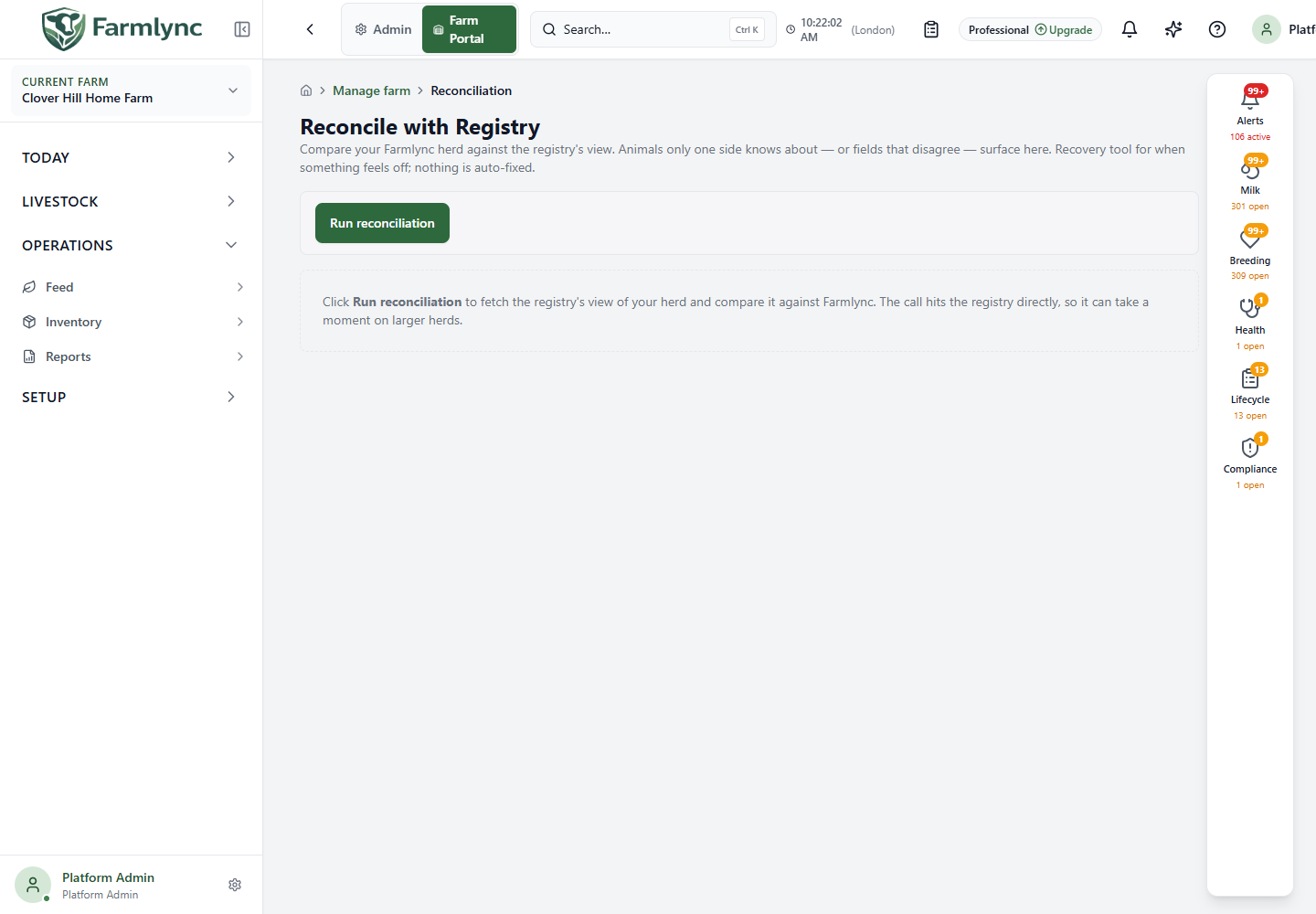
Section titled “Reconcile with registry”Open Reconcile with registry and choose Run reconciliation. This calls the registry and may take time for a large herd; the timestamp identifies the result held in this browser session. It is currently formatted in the viewer’s browser timezone rather than the selected farm timezone. The four summary counts are Total drift, Missing in Farmlync, Extra in Farmlync and Differences. No changes are made just by running the comparison.
Missing in Farmlync means the registry has animals not present locally. Add missing animals to Farmlync opens an inbound form for a reviewed bulk import; check tags, sex, breed and birth dates before submission. These local arrivals do not re-notify the registry. Extra in Farmlync means local animals lack a corresponding registry record. A row with a Farmlync animal ID offers Submit late registration, with confirmation; the resulting declaration appears in the sync log, and the registry still decides whether to accept it. If the animal has departed, inspect its Animal Detail instead of registering it as present.
Differences shows values on both sides. Farmlync compares sex for matching current national IDs and can also report a national-ID difference when the registry still holds an animal’s previous identifier. The current action is Use registry for the sex field only; it immediately changes the local value subject to a stale-value check. National ID and other field differences are read-only here. If the value changed while you reviewed it, rerun reconciliation and assess the new result. Do not apply a registry value without checking the animal identity and evidence.
Access
Section titled “Access”Registry decisions, pulls, submission actions and reconciliation require the farm’s Manage government submissions authority (normally an Owner or Manager). A queued or accepted Farmlync operation is not proof of external registry completion; use the row status, history and reconciliation result to confirm the provider outcome.