

Buyers, payout and milk price
What this page helps you do
Section titled “What this page helps you do”Milk commerce pages link buyers, collection routes, deliveries and payment terms. Use them to trace a collected load through pricing and reconciliation without treating a forecast as a paid amount.
The Milk menu’s commercial pages describe the path from a recorded tank collection to the amount a buyer owes. Configure a buyer and route before entering a buyer delivery. A delivery and a milk recording are different facts; an order or expected quantity is not proof of milk received.
Buyers and routes
Section titled “Buyers and routes”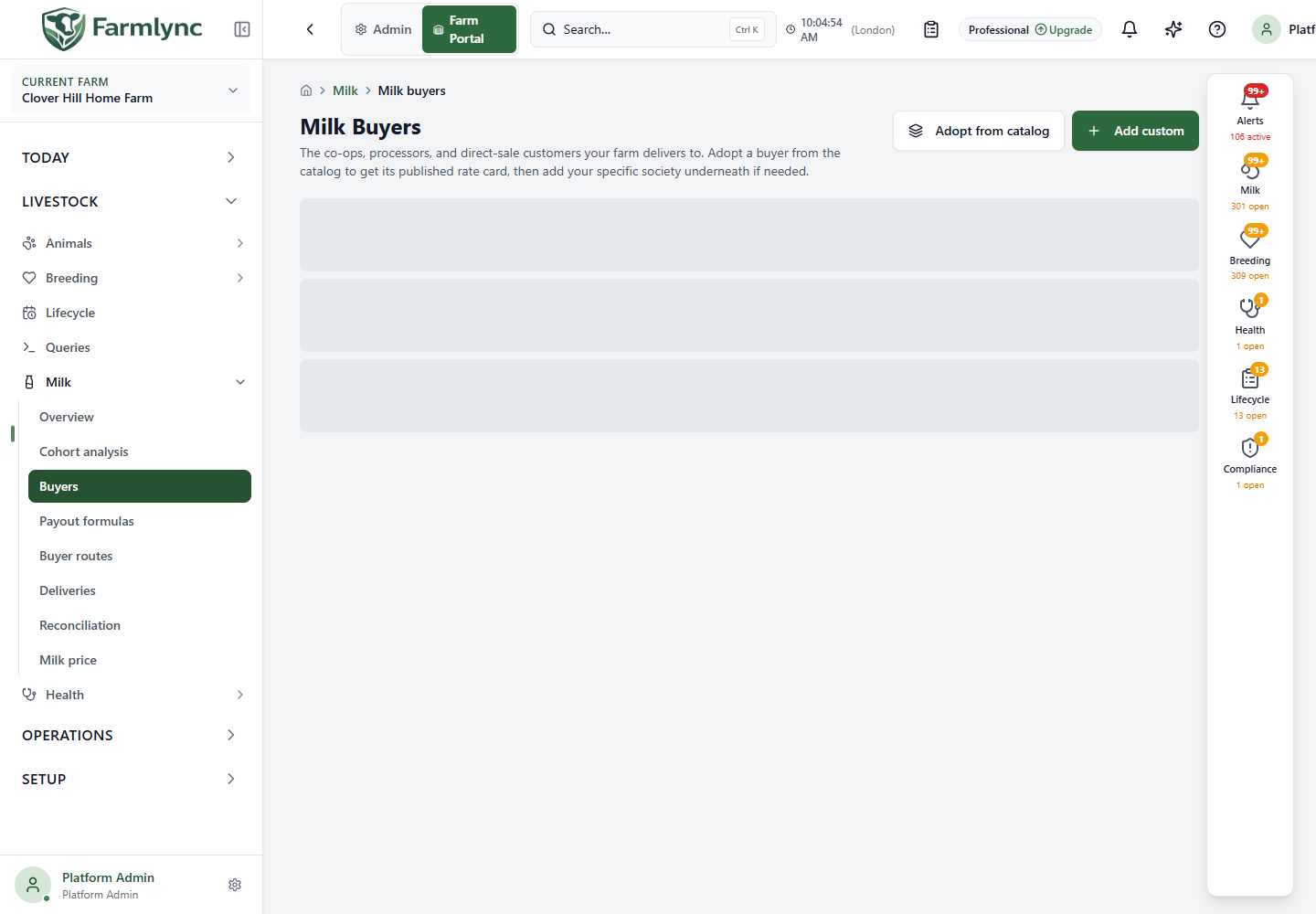
Open Milk → Buyers to adopt a shared buyer or create a custom one. A custom buyer asks for required Name, Type, Collection model and Payment cycle (days). Optional controls include Short code, Part of (parent organisation), Default payout formula, a saved Party register link, contact name, phone, email and notes. Edit an existing buyer from its row. Check that the collection model and payment cycle match the real contract; they affect the interpretation of later deliveries and payment expectations. See the Buyers guide for each control and accepted values.
Open Milk → Routes to link a buyer to a collection route. Choose the Buyer, required Session scope, Effective from date, optional Premium per litre, Member/society number and notes. The form requires the buyer’s default payout formula before saving. Close a route only when it should stop accepting new deliveries under that arrangement; historical deliveries remain for review. See the Routes guide for session-overlap rules, defaults and closing behavior.
Payout formulas and milk price
Section titled “Payout formulas and milk price”Milk → Payout formulas lists active formulas and expandable history. Create a version for the relevant buyer and effective date, with currency and the coefficients or thresholds specified by the contract; edit an unlocked version or close it with the confirmation action. Check the full formula guide for each control and how the delivery payout is calculated. Formula history is not an individual delivery receipt.
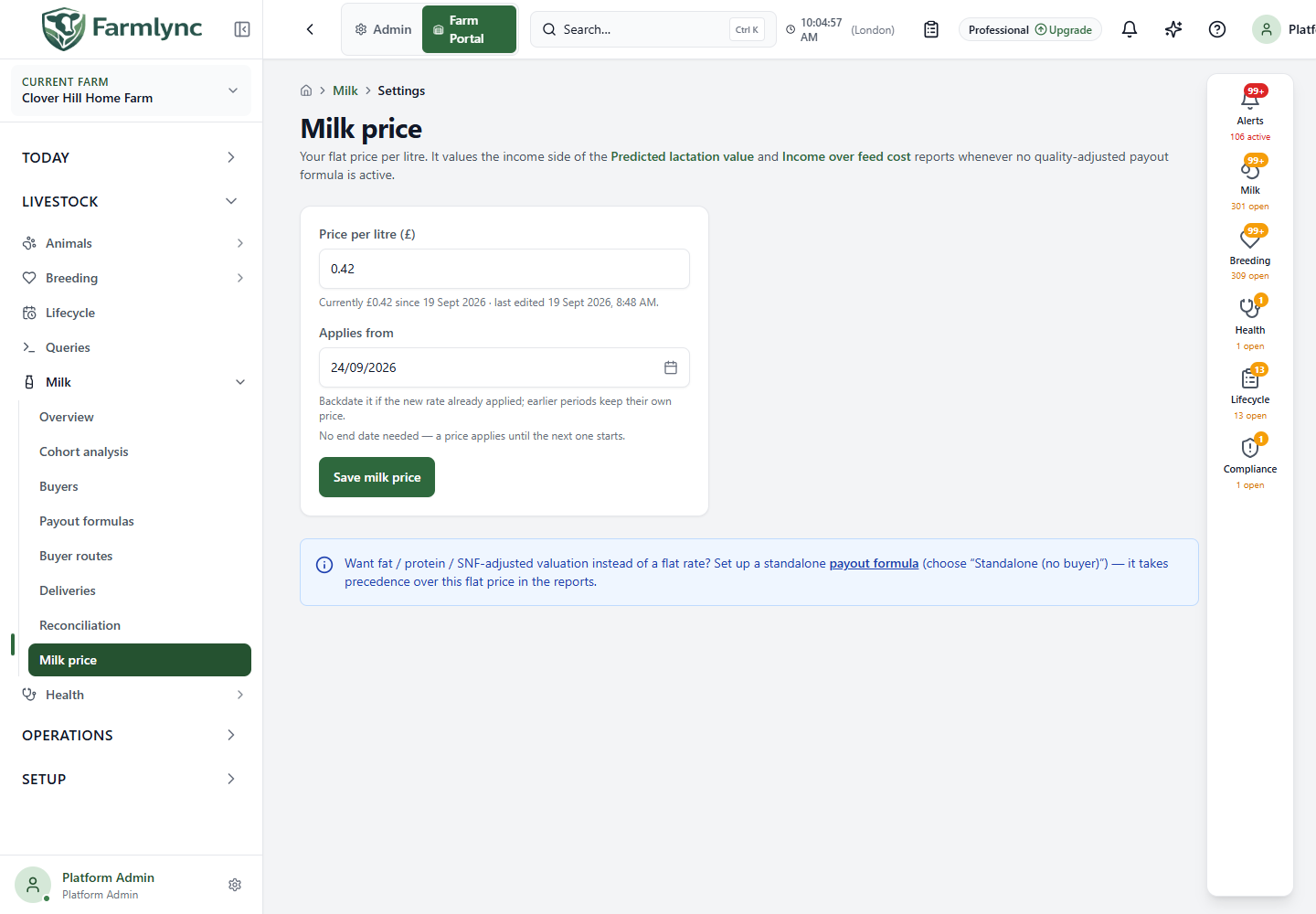
Milk → Milk price sets the simpler farm flat price per litre used for predicted lactation value. Enter a price from 0.01 to 999.99 in the farm currency and choose Applies from. A price continues until the next period starts; there is no separate end-date field. Saving on a date that already has a price corrects that period instead of creating a duplicate. Review Price history after saving. This flat valuation is separate from buyer payout-formula calculations. The Milk price settings guide explains every control and how to correct an existing period.
Deliveries and reconciliation
Section titled “Deliveries and reconciliation”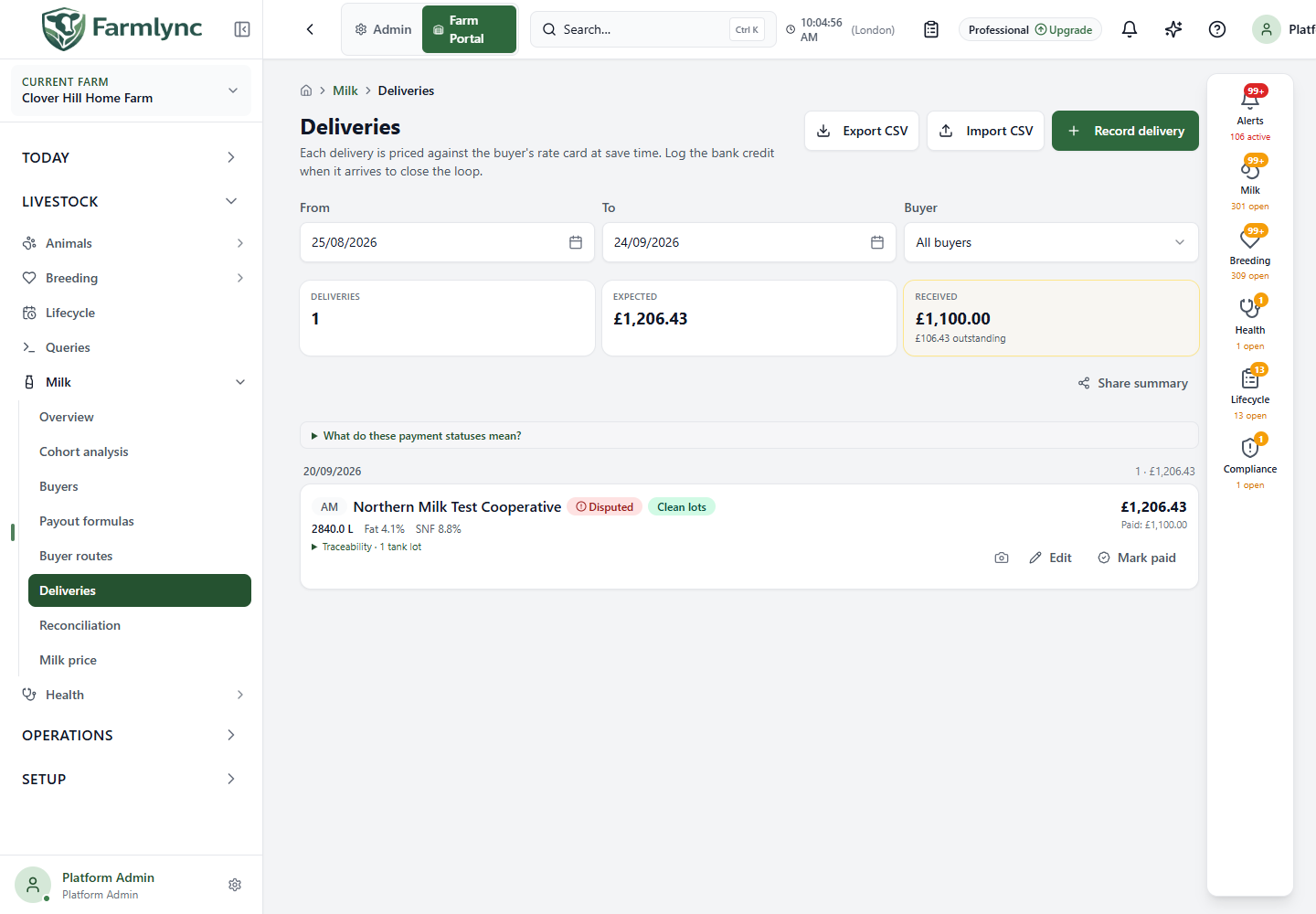
Open Milk → Deliveries to trace a collected load from a matching route and clean tank lots to its payout and bank credit. The Deliveries guide explains every list filter, recording field, CSV column, correction, proof-photo action, void rule and payment-status band. Check the tank safety/readiness evidence before dispatch and retain the actual receipt reference.
Open Milk → Reconciliation to compare deliveries by buyer and payment cycle. The Reconciliation guide explains date and cycle controls, the meaning of each variance badge, row expansion, CSV export, sharing and the printable payout statement. Reconciliation exposes mismatches; it should not be “fixed” by changing a milk recording without source evidence.