

Deliveries and multi-line receipt
What this page helps you do
Section titled “What this page helps you do”Operations → Inventory → Deliveries lists stock receipt transactions, newest first. Each row identifies a received product, farm-local date, batch number when present and added quantity. A supplier docket with several products creates several receipt entries, so this list is not one row per docket. It shows 20 entries per page, with previous/next controls when more exist. Use product batch and transaction views for a fuller movement trail.
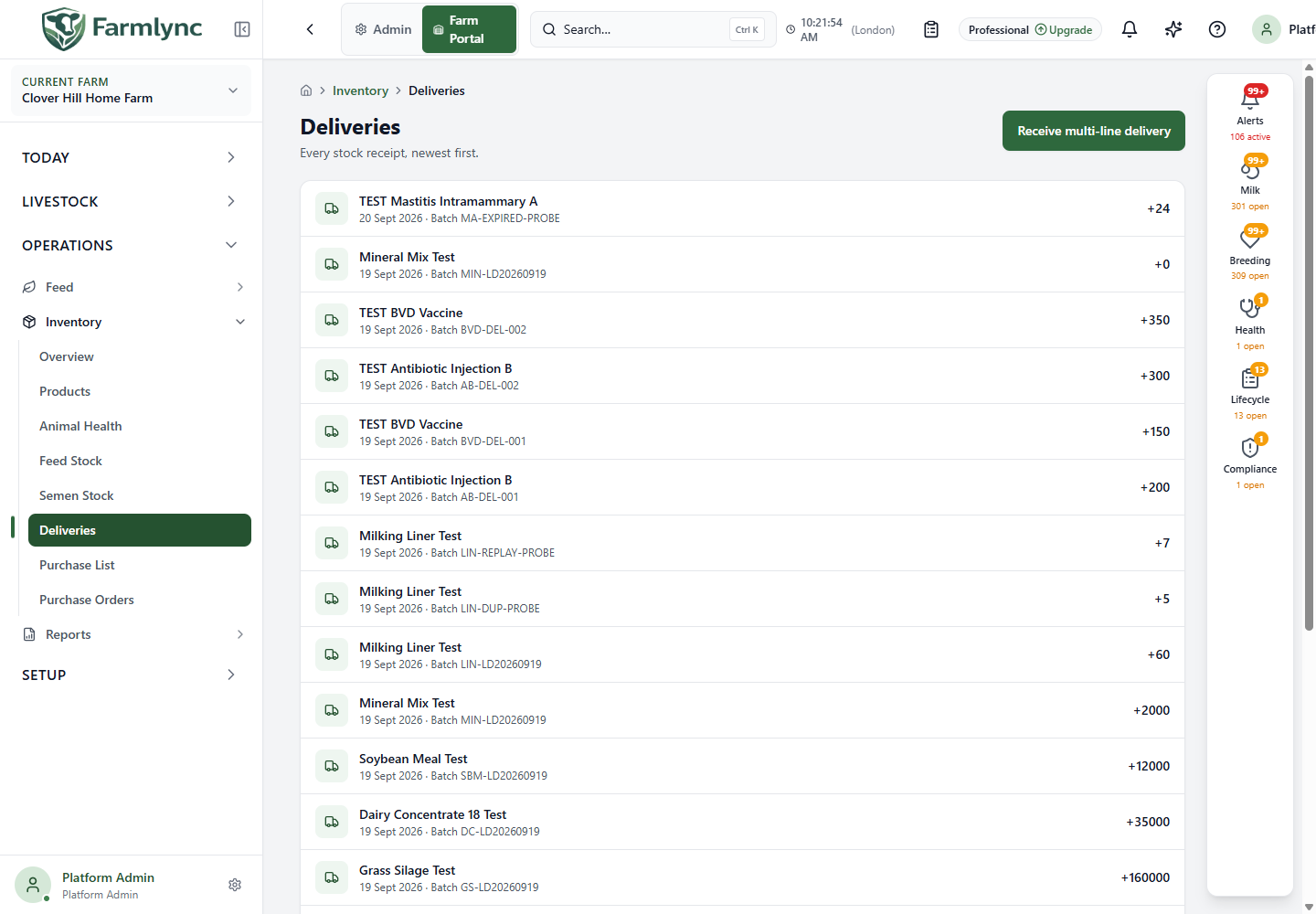
Receive multi-line delivery records at least two and at most 100 products from one docket. For a single item, use Receive stock from the product or stock list. A purchase order can open this form with outstanding lines filled in; placing an order alone never adds stock.
Enter delivery-wide details
Section titled “Enter delivery-wide details”The Delivery details section applies to all lines:
| Control | What to enter |
|---|---|
| Supplier (from register) | Pick a saved supplier if available; the form fills its name. Otherwise type an ad-hoc Supplier name (up to 200 characters). |
| Invoice / delivery reference | Optional docket or invoice identifier, up to 200 characters. |
| Received date | Required date the goods arrived, interpreted in the farm’s timezone. |
| Storage location | Required location for this receipt. The form may choose a default; check it before saving. |
| Delivery notes | Optional condition or shared docket notes, up to 1,000 characters. |
Enter each product line
Section titled “Enter each product line”Use Add product to add a line; the form keeps at least two lines. The remove button cannot take it below that minimum. For each line:
| Control | What to enter |
|---|---|
| Catalog item | Required existing product. Search by name, code, GTIN or ingredient. A receipt does not create a catalogue item. |
| Batch number / Lot number | Up to 100 characters each. For a product marked as requiring traceability, enter at least one of these identifiers from its label. |
| Expiry date | Required when the selected product requires it; otherwise optional. Use the labelled date. |
| Quantity → Total | A positive quantity in the product’s base unit. |
| Quantity → Packs | Positive Packs and Per pack amounts, plus a Pack type such as bottle or bag (up to 50 characters). Check the resulting quantity in base units. |
| Invoice cost → Line total | Optional non-negative amount for the whole line. |
| Invoice cost → Per [base unit] | Optional non-negative cost for one base unit. Choose the invoice’s matching interpretation. |
| Line notes | Optional product-specific explanation, up to 1,000 characters. |
Use Supplier evidence to attach one invoice, docket or label for the whole delivery when available. Review each product, unit, amount, date, lot, expiry and location before saving. The multi-line stock receipt commits all product lines together or none. The evidence upload is a separate step around that receipt, so confirm its status as well as the stock entries.
If an order was linked, remove a line that did not arrive; it remains outstanding. If the linked order cannot load, Try again retains the intended link; Continue without the order deliberately removes it. After saving, check the Deliveries list, product batches and order remainder. The stock balance increases only on the saved receipt.